




Learning Objectives
It is a long established fact that a reader will be distracted by the readable content of a page.
What Students Will Learn
It is a long established fact that a reader will be distracted by the readable content of a page.
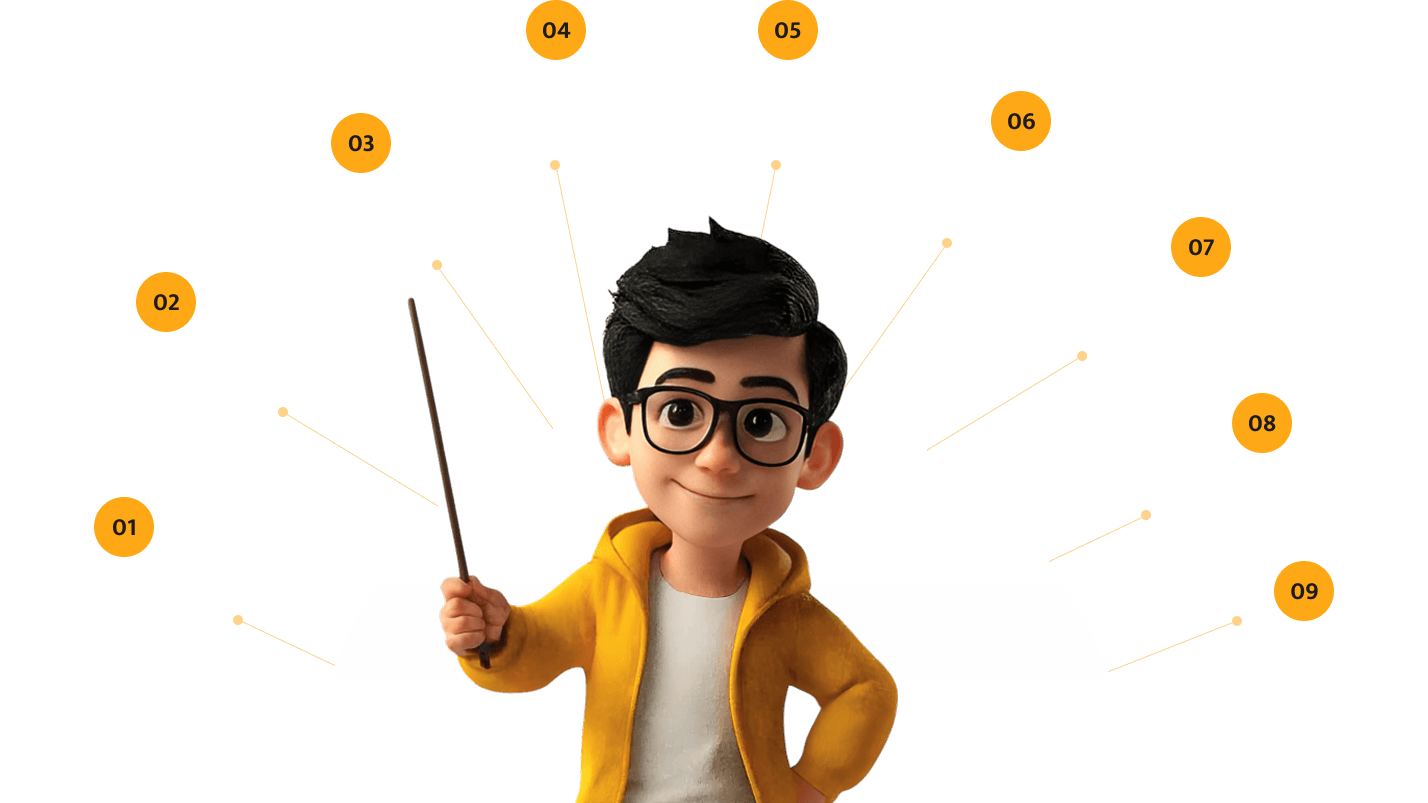
Computer Basics And
Operating Systems
Microsoft Office /
Google Workspace
Introduction to Coding
(Python, Scratch)
Web Development
Basics (HTML, CSS)
Digital Art And
Design Tools
Cyber Safety And
Privacy
Social Media
Literacy
AI And Emerging Tech
Awareness
Age-Appropriate Training
It is a long established fact that a reader will be distracted by the readable content of a page.
Computer basics, typing skills, simple coding with Scratch, internet safety fundamentals

Productivity software mastery, introduction to programming languages, digital citizenship, basic web development

Advanced coding, app/web development, digital portfolio creation, tech career exploration

Key Benefits
It is a long established fact that a reader will be distracted by the readable content of a page.
Sample Workshop Plans
We’ve compiled the most common questions our users ask along with clear, concise answers to help you get the most out of your experience.
Introduction to programming concepts using visual programming (Scratch) or Python. Students create simple programs and games.
Interactive session on online safety, privacy, cyberbullying, and responsible digital citizenship. Includes real-world scenarios and protective strategies.
Learn to use productivity tools effectively - spreadsheets, presentations, document creation, and collaborative platforms.
Create your first webpage using HTML and CSS. Students build a simple personal website by the end of the session.